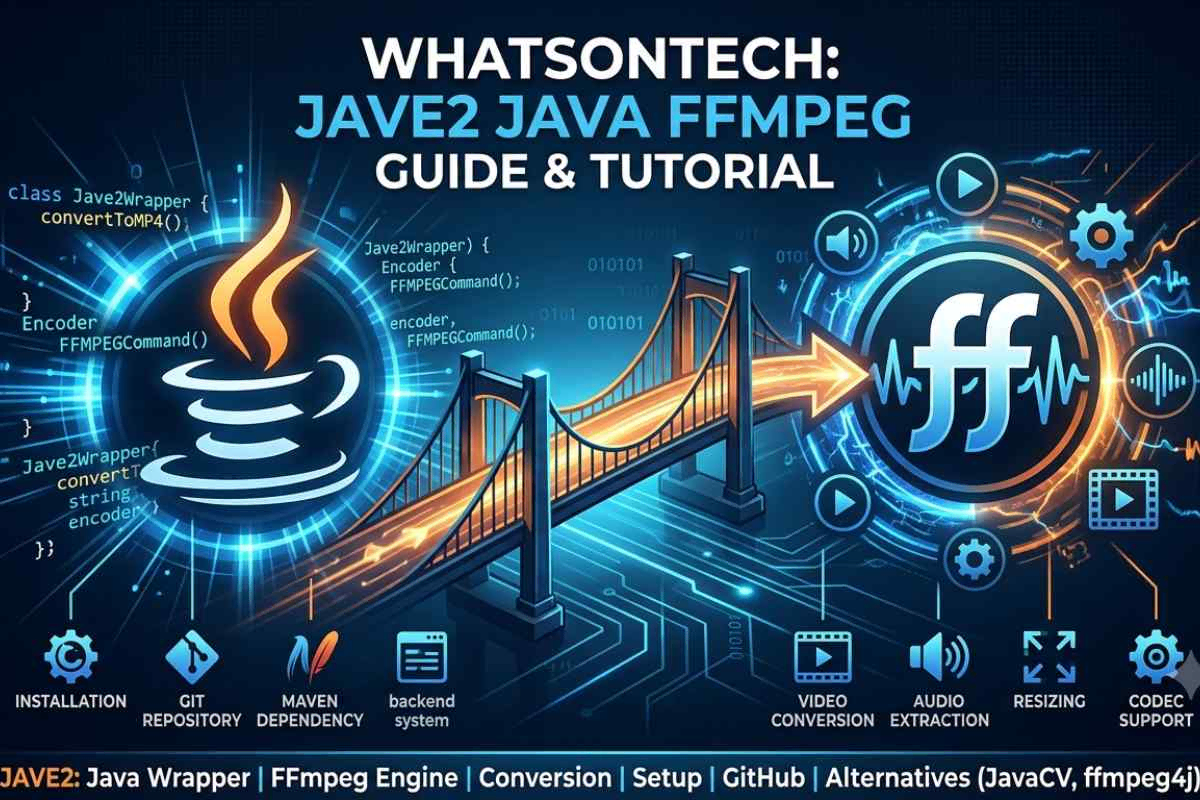
JAVE2 is a Java wrapper for FFmpeg that allows developers to process audio and video files using Java instead of complex FFmpeg command-line instructions. It simplifies media conversion, encoding, and automation in Java-based applications.
It is commonly used in backend systems for tasks like video conversion, audio extraction, and media optimization.
When I first came across JAVE2, I was trying to handle video conversion inside a Java project without dealing with complex FFmpeg commands. JAVE2 made that process much simpler.
What is JAVE2 and How It Works
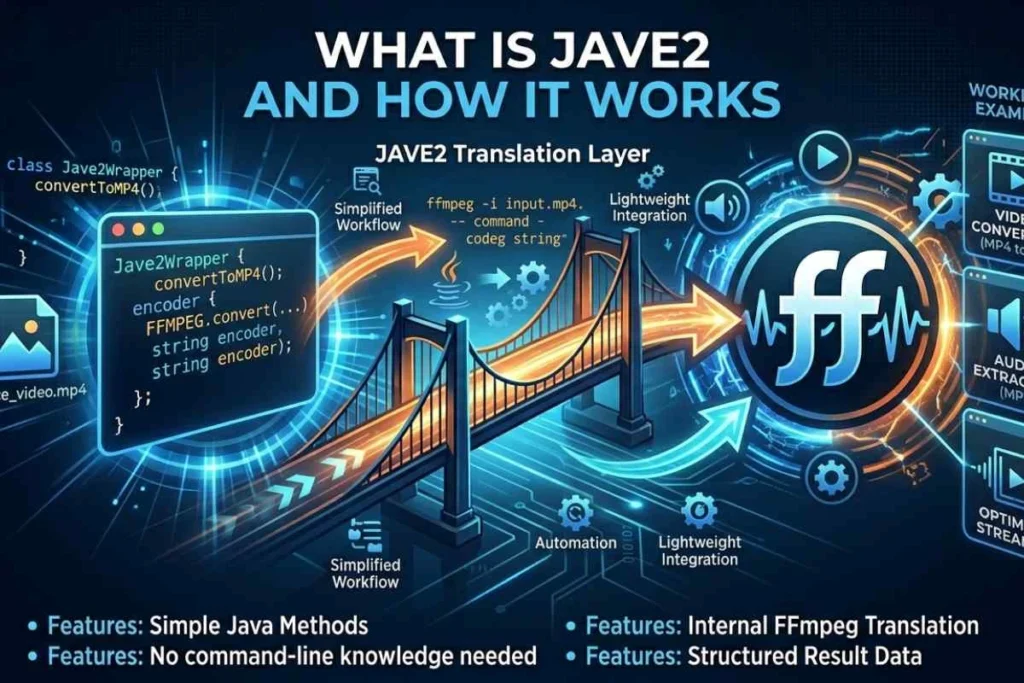
JAVE2 is a Java-based wrapper library built on top of FFmpeg, designed to simplify multimedia encoding and decoding tasks.
Instead of manually writing FFmpeg command-line instructions, developers can use Java classes and methods to perform the same operations.
This abstraction makes it easier for Java developers to handle complex media processing workflows without learning FFmpeg syntax in depth.
At its core, JAVE2 acts as a communication layer between Java applications and the FFmpeg engine.
When a developer requests a conversion or processing task, JAVE2 internally translates that request into FFmpeg commands and executes them in the background.
The result is then returned to the Java application in a structured format. This approach reduces complexity while still leveraging the power of FFmpeg.
JAVE2 is commonly used in backend systems where automation is required. For example, converting uploaded videos into multiple formats, extracting audio from video files or optimizing media for web streaming.
Since it runs within Java environments, it integrates easily with enterprise systems and web applications. Developers usually compare JAVE2 with JavaCV and ffmpeg4j when choosing a Java multimedia library. Each tool offers different levels of complexity and performance depending on project requirements.
But JAVE 2 is generally preferred for simpler and lightweight implementations where full control over FFmpeg is not required.
JAVE2 Java Integration and Setup Process
JAVE2 is designed specifically for Java environments, making it easy to integrate into both small and large-scale applications.
Developers typically include it as a dependency in Maven-based projects using Jave-all-deps, which bundles all required components for smooth execution. Once added, the library allows direct interaction with multimedia files using Java code.
The setup process generally involves configuring FFmpeg binaries on the system and linking them with the Java runtime.
After that, JAVE 2 can be used to create encoder instances, define input and output formats and execute conversion tasks. This approach removes the need to manually write complex command-line instructions, making development faster and more manageable.
In enterprise Java systems, JAVE 2 is often used in backend services that handle user-uploaded media.
For example, a video-sharing platform might automatically convert uploaded videos into multiple resolutions and formats. Since it runs entirely within Java applications, it can be easily scaled using standard server architectures.
However, developers must ensure proper resource management because media processing can be CPU-intensive, especially when handling large files or batch conversions.
System Requirements for JAVE2
Before using JAVE2, make sure your system meets the following requirements:
- Java 8 or higher installed
- FFmpeg properly installed and configured
- Maven or Gradle (optional but recommended for dependency management)
- Supported OS: Windows, Linux, macOS
- FFmpeg path must be added to system environment variables
If FFmpeg is not correctly installed, JAVE2 will not work.
Role of FFmpeg in JAVE2 Architecture
FFmpeg is the core engine behind JAVE2 and without it, the library cannot function. FFmpeg is a powerful open-source multimedia framework capable of decoding, encoding, transcoding and streaming audio and video files.
JAVE2 simply acts as a Java-friendly interface that communicates with FFmpeg in the background.
When a Java application uses JAVE 2, the library constructs FFmpeg commands based on user-defined parameters. These commands are then executed in the system environment where FFmpeg is installed.
The output is processed and returned to the Java application. This architecture allows developers to benefit from FFmpeg’s performance and format support while avoiding its complex command-line structure.
FFmpeg supports a wide range of formats, codecs and streaming protocols, making JAVE 2 highly flexible for media-related applications.
However, it also means that proper system configuration is necessary for JAVE 2 to function correctly. Developers must ensure FFmpeg is correctly installed and accessible in system paths. Without FFmpeg, JAVE 2 cannot perform any encoding or conversion tasks.
Supported Media Formats in JAVE2
Since JAVE2 is built on FFmpeg, it supports a wide range of multimedia formats.
Video formats:
MP4, AVI, MKV, MOV, FLV
Audio formats:
MP3, AAC, WAV, OGG
Support for formats depends on the installed FFmpeg build and available codecs.
Features and Capabilities of JAVE 2
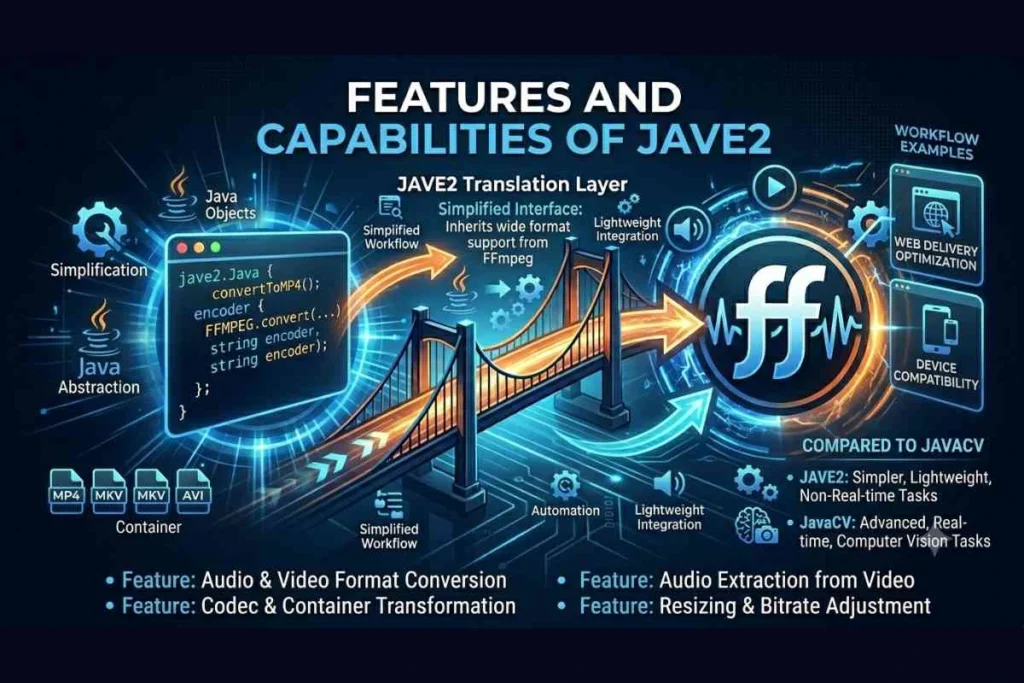
JAVE 2 provides a simplified interface for handling multimedia operations within Java applications.
One of its main capabilities is audio and video format conversion, allowing developers to transform files between different codecs and container formats.
This is especially useful in applications that need to support multiple device or platform requirements.
Another important feature is media extraction, where audio can be extracted from video files with minimal configuration.
JAVE 2 also supports resizing and bitrate adjustment, which is useful for optimizing content for web delivery. Since it operates through FFmpeg, it inherits support for a wide range of multimedia formats.
Compared to more advanced tools like JavaCV, JAVE 2 is simpler and more lightweight. This makes it suitable for projects that do not require real-time processing or complex video analysis.
However, for advanced use cases such as computer vision or live streaming manipulation, developers often prefer JavaCV due to its extended capabilities.
Common Use Cases of JAVE2
JAVE2 is commonly used in:
- Video upload platforms (auto format conversion)
- Podcast audio extraction systems
- Video compression for web optimization
- Learning Management Systems (LMS)
- Media Content Management Systems (CMS)
- Social media video processing
- File conversion services
JAVE2 Download and Installation Methods
JAVE2 can be integrated into Java projects through dependency management tools or by downloading binaries directly from its repository.
The most common approach is using Maven with jave-all-deps, which simplifies dependency handling and ensures all required components are included in the project build.
Once the dependency is added, developers must ensure FFmpeg is installed on the system. Without FFmpeg, JAVE2 cannot execute media processing tasks.
After installation, configuration typically involves setting system paths or specifying FFmpeg binary locations within the Java code.
For developers who prefer manual setup, the Jave 2 download option from GitHub provides release files that can be added directly to project libraries.
This approach is less common today but still used in legacy systems or custom environments. Proper configuration ensures smooth performance and avoids runtime errors during media processing tasks.
Alternatives to JAVE2 (JavaCV and ffmpeg4j)
In the Java multimedia ecosystem, JAVE2 is not the only solution available. JavaCV is one of the most popular alternatives, offering deeper integration with FFmpeg and OpenCV.
It provides advanced capabilities such as real-time video processing, computer vision support and streaming features. However, it is more complex compared to JAVE 2.
Another alternative is ffmpeg4j, which also acts as a Java wrapper for FFmpeg. It is lightweight and focuses on simplifying FFmpeg interactions, similar to JAVE 2.
The choice between these tools depends on project requirements, complexity and performance needs.
While JAVE 2 is suitable for basic media conversion tasks, JavaCV is better suited for advanced multimedia applications. Developers often choose based on scalability, processing requirements and system architecture.
Challenges and Limitations of JAVE2
Although JAVE2 simplifies multimedia processing, it comes with certain limitations. One major challenge is its dependency on FFmpeg, which must be installed and properly configured on the system. Without correct setup, JAVE 2 will not function.
Another limitation is performance in high-load environments. Since media processing is resource-intensive, JAVE 2 may not be ideal for large-scale real-time applications.
Additionally, compared to newer libraries like JavaCV, it offers fewer advanced features for video analysis and streaming.
Despite these limitations, JAVE 2 remains useful for straightforward conversion tasks and backend automation systems where simplicity is more important than advanced processing capabilities.
Common Errors in JAVE2
Some common issues developers face:
- FFmpeg not found (PATH not configured properly)
- Unsupported codec error
- Invalid file path issues
- Permission denied errors
- High CPU usage during large file processing
Best Practices for Using JAVE 2
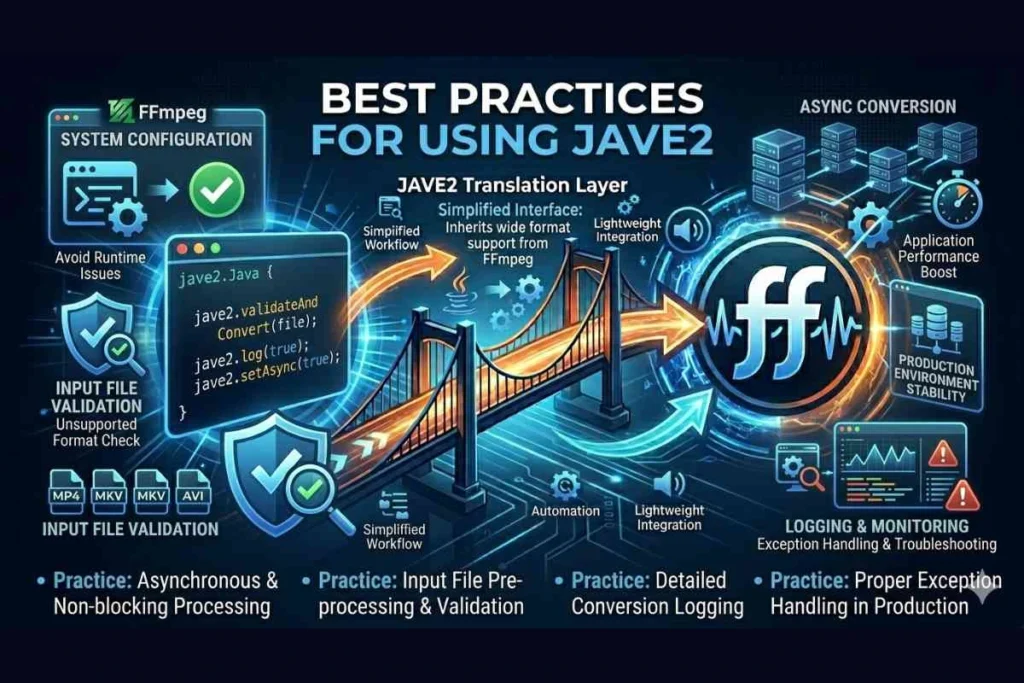
When using JAVE 2, developers should ensure proper system configuration of FFmpeg to avoid runtime issues.
It is also important to manage system resources carefully, especially when processing large media files. Running conversions asynchronously can help improve application performance.
Another best practice is to validate input files before processing to avoid errors caused by unsupported formats.
Developers should also consider logging conversion processes to monitor performance and troubleshoot issues effectively. Proper exception handling is essential in production environments to maintain system stability.
Performance Tips for JAVE2
To improve performance:
- Process large files asynchronously
- Avoid running multiple heavy conversions at the same time
- Monitor CPU usage during processing
- Validate input files before processing
- Clean temporary files after conversion
Conclusion
For Java developers who need simple and reliable multimedia processing without dealing with complex FFmpeg commands, JAVE2 remains a practical and lightweight solution. It is especially useful for backend media automation and basic conversion tasks.
FAQ’s
What is JAVE2 used for?
JAVE2 is used for audio and video processing in Java applications. It helps developers convert, encode and manipulate multimedia files using a simple Java interface instead of complex FFmpeg commands. It is commonly used in backend systems where automated media handling is required.
Is JAVE2 still maintained?
JAVE2 is available on GitHub and is used in several projects, but it is not as actively developed as newer multimedia libraries. However, it remains stable enough for basic production use cases where advanced features are not required.
How does JAVE2 connect with FFmpeg?
JAVE2 acts as a wrapper around FFmpeg. It converts Java method calls into FFmpeg commands and executes them in the background. The output is then returned to the Java application for further use or storage.
What is Jave-all-deps in JAVE2?
Jave-all-deps is a Maven dependency package that includes all required components for using JAVE2 in Java projects. It simplifies installation by bundling necessary libraries and dependencies into a single package.
What is the difference between JAVE2 and JavaCV?
JAVE2 is simpler and focused on basic media conversion tasks, while JavaCV is more advanced and supports real-time processing, computer vision and streaming. JavaCV is more powerful but also more complex to implement.
Can JAVE2 work without FFmpeg?
No, JAVE2 cannot function without FFmpeg. It relies on FFmpeg as the core engine for all media processing operations. Without FFmpeg installed on the system, JAVE2 will not be able to perform conversions or encoding tasks.
Does JAVE2 support Spring Boot?
Yes, JAVE2 can be used with Spring Boot for backend media processing tasks.
Can JAVE2 convert MP4 to MP3?
Yes, it supports audio extraction and format conversion using FFmpeg.
Is JAVE2 compatible with Windows, Linux, and macOS?
Yes, it works on all major operating systems as long as FFmpeg is installed.
Is JAVE2 open source?
Yes, JAVE2 is an open-source library available on GitHub.