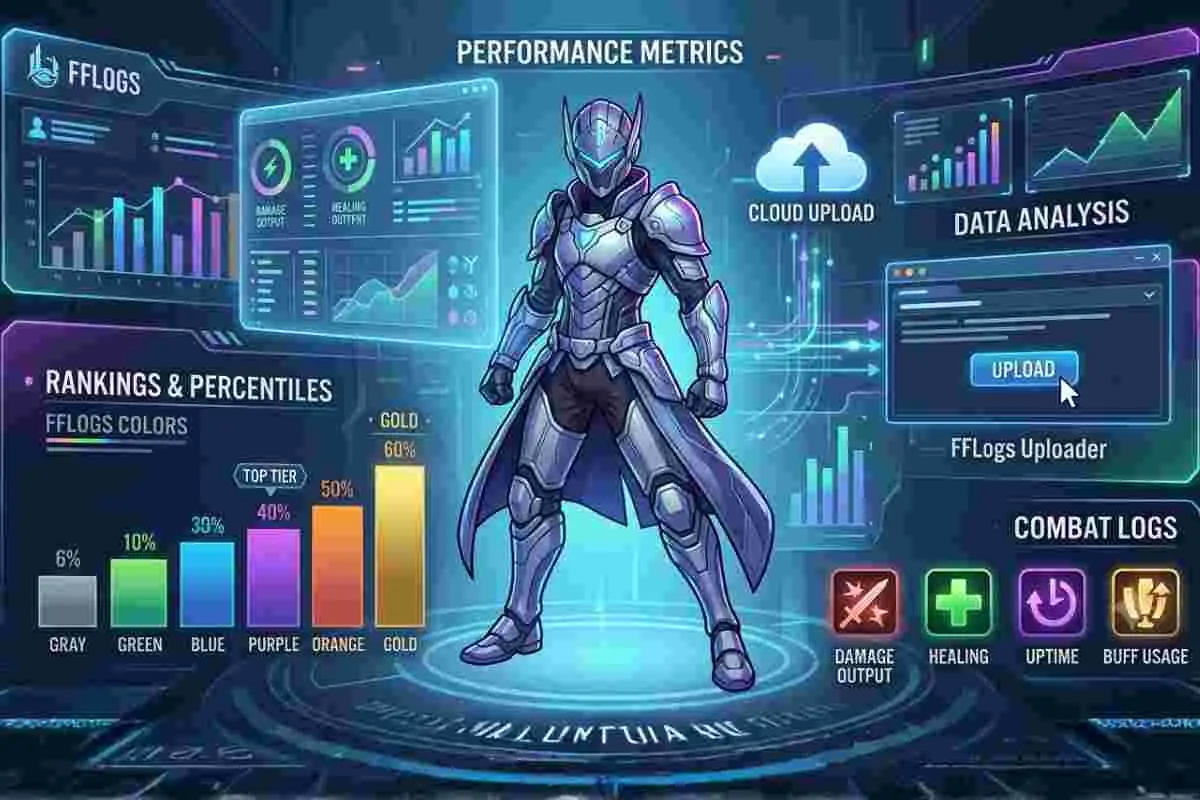
FFLogs is something I started using when I wanted to understand why my damage or raid performance in FFXIV wasn’t improving.
At first, I only saw numbers and colors, but after spending time with FFLogs, I realized it actually breaks down every detail of a fight in a very clear way. It shows damage output, healing, uptime and even small mistakes that are easy to miss in real time.
Many players use FFLogs ff14 tools for the same reason, to compare their performance and slowly improve over time.
What makes FFLogs useful is not just the ranking system, but how it helps you learn from your own gameplay. When I reviewed my logs, I could clearly see where I was losing damage or misusing cooldowns.
Over time, FFLogs analysis becomes less about competition and more about understanding your own improvement path, whether you are a casual player or pushing high-end raids.
What is FFLogs and How It Works: FFLogs setup requirements (ACT + basics)!
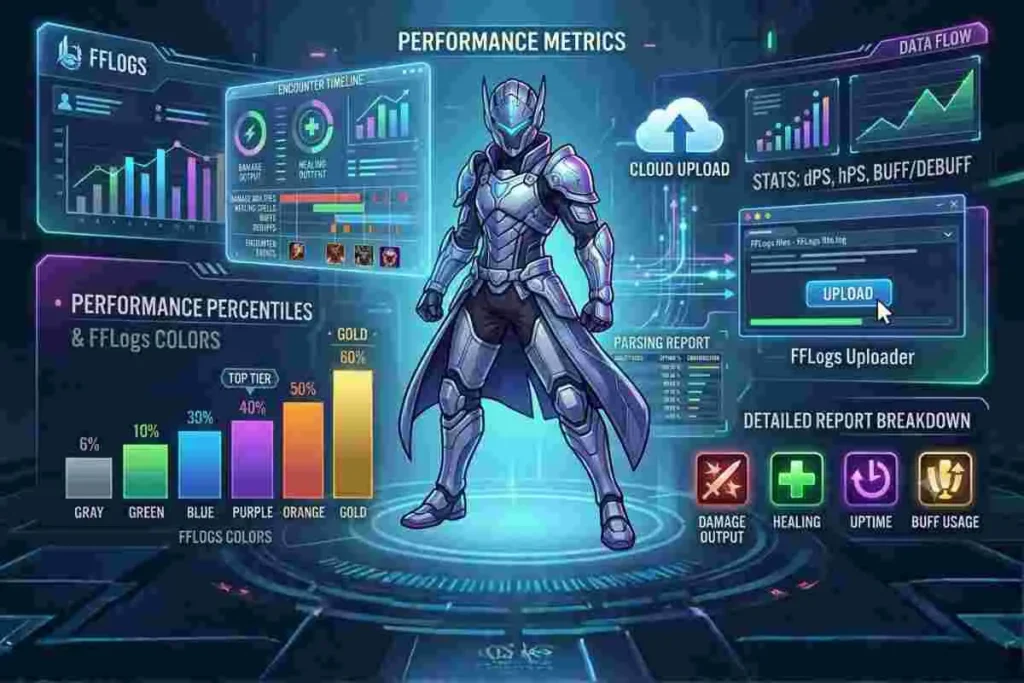
FFLogs is a third-party combat log parsing system that processes data from Final Fantasy XIV encounters and converts it into readable statistics.
FFLogs does not work alone and requires a few tools before you can start tracking performance.
To use FFLogs properly, you need:
- Final Fantasy XIV game installed and active account
- Advanced Combat Tracker (ACT) to record combat logs
- FFLogs uploader tool to send logs online
- Stable internet connection
ACT is the most important tool because it records all combat data during fights. FFLogs only analyzes the data after logs are uploaded.
The system collects information such as damage per second, healing per second, buffs, debuffs and encounter timelines. Once uploaded, the system organizes this data into rankings that allow players to compare themselves globally.
The FFLogs uploader plays a central role in this process. Players record their combat logs using tools like Advanced Combat Tracker and then send those logs through the FFLogs uploader download system.
After uploading, the platform processes the data and generates detailed reports. These reports include breakdowns of abilities used, uptime efficiency and contribution to raid damage.
Many users also rely on FFLogs tomestone integrations and companion tools to track progress across multiple raids and tiers.
The system also assigns performance percentiles, which are represented through FFLogs colors. These colors help players quickly understand their performance level without needing to analyze numbers in depth.
A gray parse indicates low performance, while purple orange and gold indicate increasingly higher levels of optimization. This color-based system has become one of the most recognizable features of FFLogs ff14 analysis.
FFLogs Uploader and Installation Process
The FFLogs uploader is a dedicated tool used to send combat log data from a player’s system to the FFLogs platform.
Without the uploader, players cannot generate rankings or analysis reports. The process begins with logging encounters using a supported parser tool, after which the data is uploaded for processing.
The FFLogs uploader download is available directly from the official website and is designed to work seamlessly with supported logging systems.
Once installed, the uploader allows players to select log files and send them to the FFLogs server. The system then automatically organizes the data into encounters, identifies players and calculates performance metrics.
- Player completes a raid or dungeon in FFXIV
- ACT records combat logs during the fight
- Logs are saved locally on the system
- FFLogs uploader selects the log files
- Logs are uploaded to FFLogs servers
- System processes encounter data
- Performance rankings and analysis are generated
This process happens automatically after upload and usually takes a few seconds.
One of the key advantages of the uploader is its simplicity, as it requires minimal manual configuration. Players can upload multiple logs at once, making it efficient for raid groups or static teams.
In addition to basic uploads, the uploader also supports advanced features such as automatic uploads, live logging and integration with companion applications.
These features make it easier for players to track performance in real time. For anyone serious about FFLogs analysis, installing the uploader is the first essential step toward accessing full functionality and competitive ranking systems.
This process usually takes only a few seconds after upload, but large logs or multiple encounters may take longer to process.
FFLogs Analysis, Parsing and Performance Metrics
FFLogs analysis is the core reason most players use the platform. It breaks down every aspect of a fight into measurable data points that show how effectively a player performed.
The system evaluates damage output, healing contribution, buff usage and downtime to calculate a final score known as a parse. This parse is then compared to thousands of other players to determine a percentile ranking.
Many players misunderstand FFLogs results and make incorrect judgments about performance.
Common mistakes include:
- Judging performance only by color parses
- Ignoring deaths and mechanics mistakes
- Comparing logs between different gear levels
- Not considering raid buffs or party synergy
- Focusing only on DPS instead of full performance
FFLogs should be used as a learning tool, not only a ranking system.
Parsing is one of the most important concepts in FFLogs ff14 gameplay evaluation. A parse represents a single performance in a specific encounter, while rankings reflect the best performance achieved by a player. The system ensures that each job is compared fairly within its own category.
FFLogs allows users to control who can see their logs.
There are three visibility options:
- Public logs: visible to everyone and included in rankings
- Unlisted logs: accessible only via link
- Private logs: visible only to uploader
Most raid groups use public logs, while casual players prefer unlisted logs for personal review.
This allows players to understand how they perform relative to others using the same class and encounter conditions.
Another important metric in FFLogs analysis is FFLogs cDPS, which focuses on personal damage contribution adjusted for raid buffs. This helps isolate individual performance from group synergy effects.
Players often use this metric to identify whether their rotation efficiency or buff alignment is optimal. Combined with uptime tracking and cast analysis, FFLogs provides one of the most detailed combat evaluation systems in MMORPG gaming.
FFLogs Colors, Rankings and Percentile System
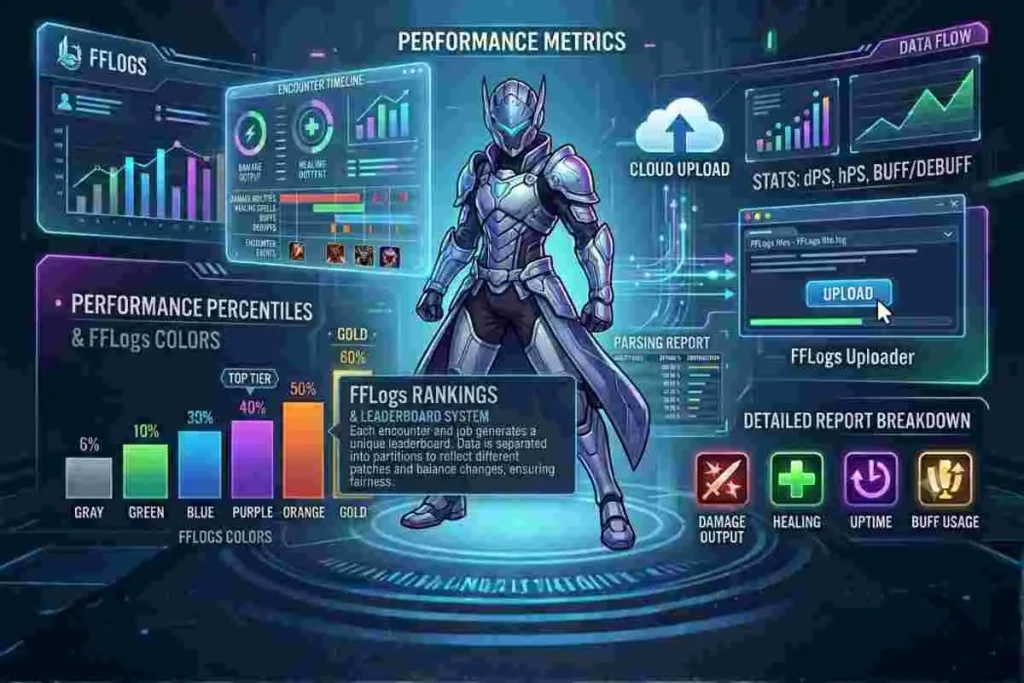
FFLogs colors are one of the most recognizable features of the platform because they provide instant visual feedback on performance.
These colors are based on percentile ranges that compare a player’s performance with others in the same category.
A gray parse indicates below-average performance, while green represents average improvement. Blue and purple signify above-average and strong performance respectively, while orange and gold represent top-tier execution.
The ranking system is directly tied to these percentiles. Each encounter and job combination generates its own leaderboard where players are ranked based on their best performance.
The system ensures fairness by separating data into partitions that reflect different patches and balance changes. This prevents older overpowered conditions from affecting current rankings. FFLogs colors also help players quickly identify areas for improvement.
FFLogs rankings are based on multiple factors, not just raw damage.
They include:
- Best individual performance logs
- Current game patch balance
- Fight duration and encounter type
- Gear level and optimization
This ensures fair comparison between players using the same job and encounter conditions.
For example, a purple parse may indicate strong execution but still leave room for optimization in cooldown usage or uptime. Meanwhile, orange parses often represent near-perfect performance. These visual indicators are one of the reasons FFLogs have become essential for competitive raiders in Final Fantasy XIV.
Features and Uses of FFLogs in FFXIV
FFLogs provides a wide range of features that go beyond simple damage tracking. One of its most important uses is performance improvement through detailed combat breakdowns.
Players can analyze ability usage, movement efficiency and downtime to refine their gameplay. The platform also allows raid groups to compare members and identify weaknesses in group coordination.
Another key feature is historical performance tracking. Players can see how their performance evolves over time across different patches and gear levels.
This helps in understanding long-term improvement trends. For players managing gaming communities or private servers, self-hosted automation tools like Wizarr can also help streamline user management systems.
The FFLogs tomestone integration also helps players track achievements and progression across raid tiers. Additionally, FFLogs supports speed rankings, which evaluate how quickly a group clears a fight. These rankings are often used by high-end static groups to compete for optimization records.
Combined with FFLogs ff14 analysis tools, the platform creates a complete ecosystem for competitive and casual raiders alike.
FFLogs supports speed rankings and detailed combat performance analysis, similar to other MMO logging systems used in competitive games. You can explore how official MMO combat logging works through Blizzard’s system here: Blizzard Combat Log System
Challenges and Limitations of FFLogs
Despite its popularity, FFLogs are not without limitations. One of the biggest challenges is interpretation.
New players often misread parse colors and assume that lower parses always mean poor performance, which is not always accurate. Many factors such as fight mechanics, group composition and encounter length can affect results.
Another limitation is dependency on external tools. The FFLogs uploader download requires additional parsing software, which may be complex for beginners.
Additionally, FFLogs data does not always perfectly represent real skill due to RNG elements like critical hits and encounter variations.
There is also ongoing debate in the community about metrics like FFLogs cDPS and rDPS, as they can sometimes reflect group synergy more than individual skill.
However, despite these challenges, FFLogs remains one of the most reliable and widely accepted performance tracking systems in MMORPG gaming.
Best Practices for Using FFLogs Effectively
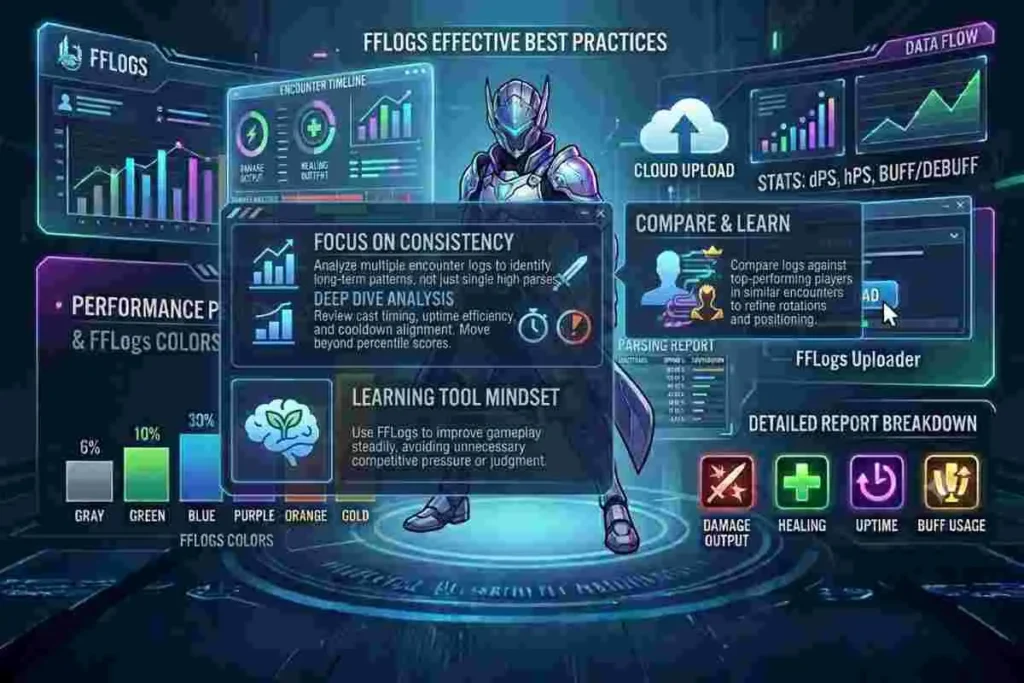
To get the most out of FFLogs analysis, players should focus on consistency rather than single high parses.
Reviewing multiple logs helps identify patterns in performance and areas needing improvement. It is also important to analyze casts, uptime and cooldown usage rather than relying only on percentile scores.
Players should also compare logs with top-performing players in similar encounters. This helps in understanding optimal rotations and positioning strategies. Using FFLogs uploader regularly ensures that all progress is tracked accurately over time.
Another best practice is to use FFLogs as a learning tool rather than a judgment system. It is most effective when used to improve gameplay rather than compete aggressively. This mindset allows players to grow steadily and avoid unnecessary pressure.
Conclusion
FFLogs has become an essential tool for Final Fantasy XIV players who want to analyze and improve their combat performance.
From detailed parsing systems to FFLogs colors and rankings, it provides deep insight into gameplay mechanics. The platform is widely used for both personal improvement and competitive raiding environments.
With tools like the FFLogs uploader and advanced FFLogs analysis features, players can track progress over time and refine their strategies.
Despite some limitations, its impact on the FFXIV community remains significant. As the game evolves, FFLogs will continue to play a central role in performance tracking and raid optimization.
FAQ’s
What are FFLogs used for in FFXIV?
FFLogs is used to analyze combat performance in Final Fantasy XIV by breaking down damage, healing and encounter efficiency. Players upload logs using the FFLogs uploader to view detailed statistics and rankings. It helps both casual and hardcore players understand their gameplay and improve performance over time.
How do FFLogs colors work?
FFLogs colors represent percentile rankings compared to other players. Gray indicates low performance, green is average, blue and purple show above-average performance and orange and gold represent top-tier execution. These colors help players quickly understand their relative performance without analyzing raw numbers.
What is FFLogs uploader download?
The FFLogs uploader download is a tool used to send combat logs to the FFLogs platform. It works alongside parsing tools to generate performance reports. Once installed, it allows players to upload multiple logs and track their progress in FFLogs ff14 analysis systems.
What does FFLogs cDPS mean?
FFLogs cDPS refers to contribution-based damage per second, which measures a player’s damage output adjusted for raid contributions. It helps isolate individual performance from group buffs, making it useful for understanding personal optimization in FFLogs analysis.
Are FFLogs useful for casual players?
Yes, FFLogs is useful for both casual and hardcore players. Casual players can use it to learn rotations, improve uptime and understand mechanics better. Even without competitive raiding, FFLogs provide valuable insights into gameplay performance.
Why do FFLogs rankings change over time?
FFLogs rankings change because they are based on historical and current performance comparisons. As more players upload logs and gear levels improve, percentile values are recalculated. This ensures that rankings remain fair and reflect current game conditions.